> ## Documentation Index
> Fetch the complete documentation index at: https://ppio.com/docs/llms.txt
> Use this file to discover all available pages before exploring further.
# 快速上手使用模型 API 服务
## 首次使用
1. **注册账号**:访问注册页面,通过手机号或者账号的方式注册新账号。
2. **实名认证**:访问实名认证页面,完成个人或者企业认证。详情请参见[实名认证](/support/identity-verification)。
3. **充值账户**:访问账户概览页面,完成账户充值。付款方式支持支付宝、微信和对公账户。详情请参见[账户充值和管理](/support/payment-methods)。
4. **获取 API 密钥**:访问API 密钥管理页面,创建一个 API 密钥。详情请参见[管理 API 密钥](/support/api-key)。
## 查看模型列表
### 大语言模型
您可以在[大语言模型服务页面](https://ppio.com/model-api/product/llm-api)查看平台支持的大语言模型列表。
## 在线体验模型
### 大语言模型
1. 访问[模型广场页面](https://ppio.com/model-api/console)。
2. 找到并单击要使用的模型卡片。
3. 在右侧的弹出面板中,单击「在线体验」。
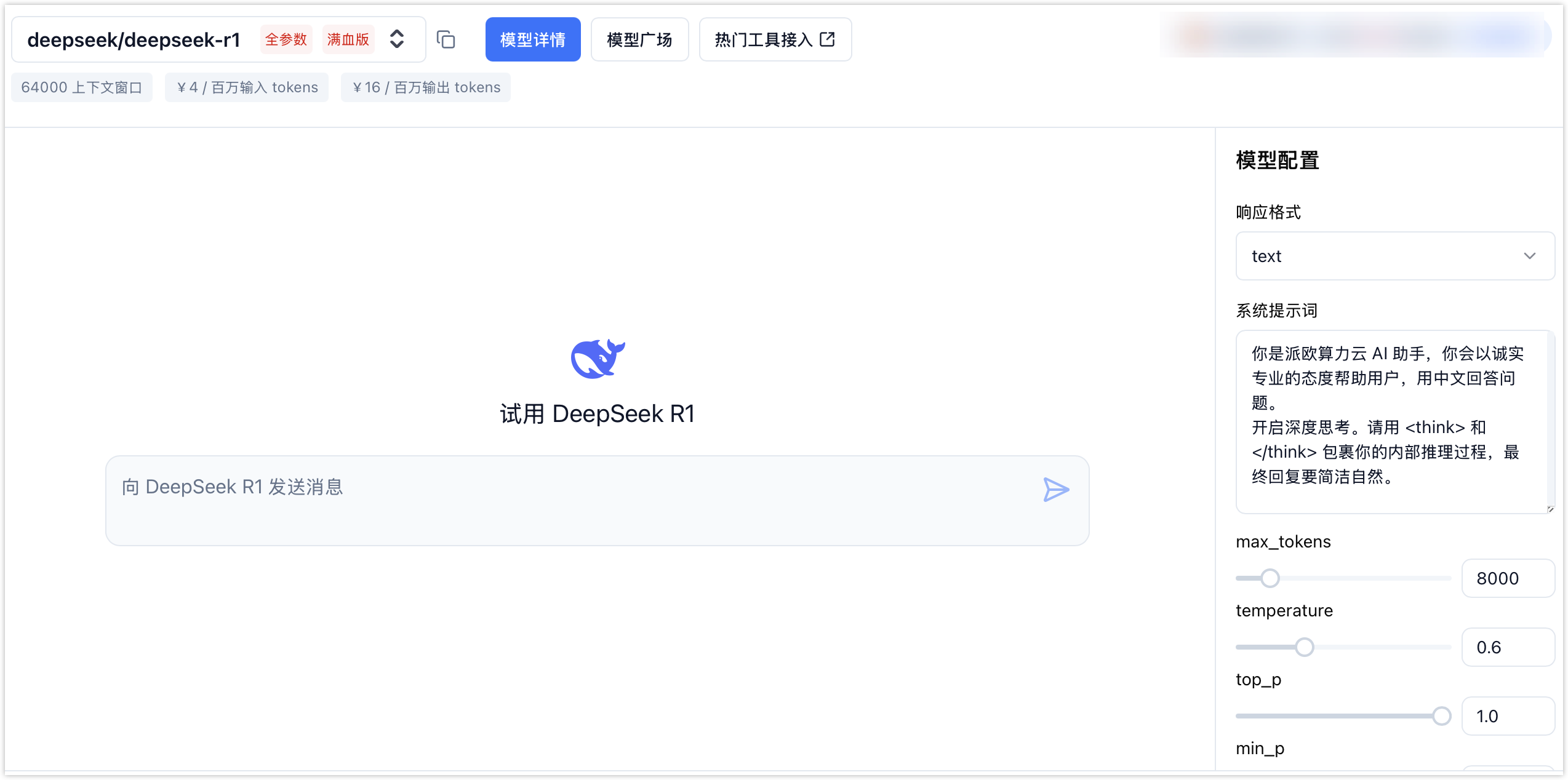
4. 在右侧的「模型配置」区域设置参数,然后输入信息,即可体验模型能力。
以**DeepSeek-R1**为例:
 ### 图像视频模型
1. 进入[大模型 Playground 页面](https://ppio.com/model-api/playground#remove-background)。
2. 在左侧选择模型。
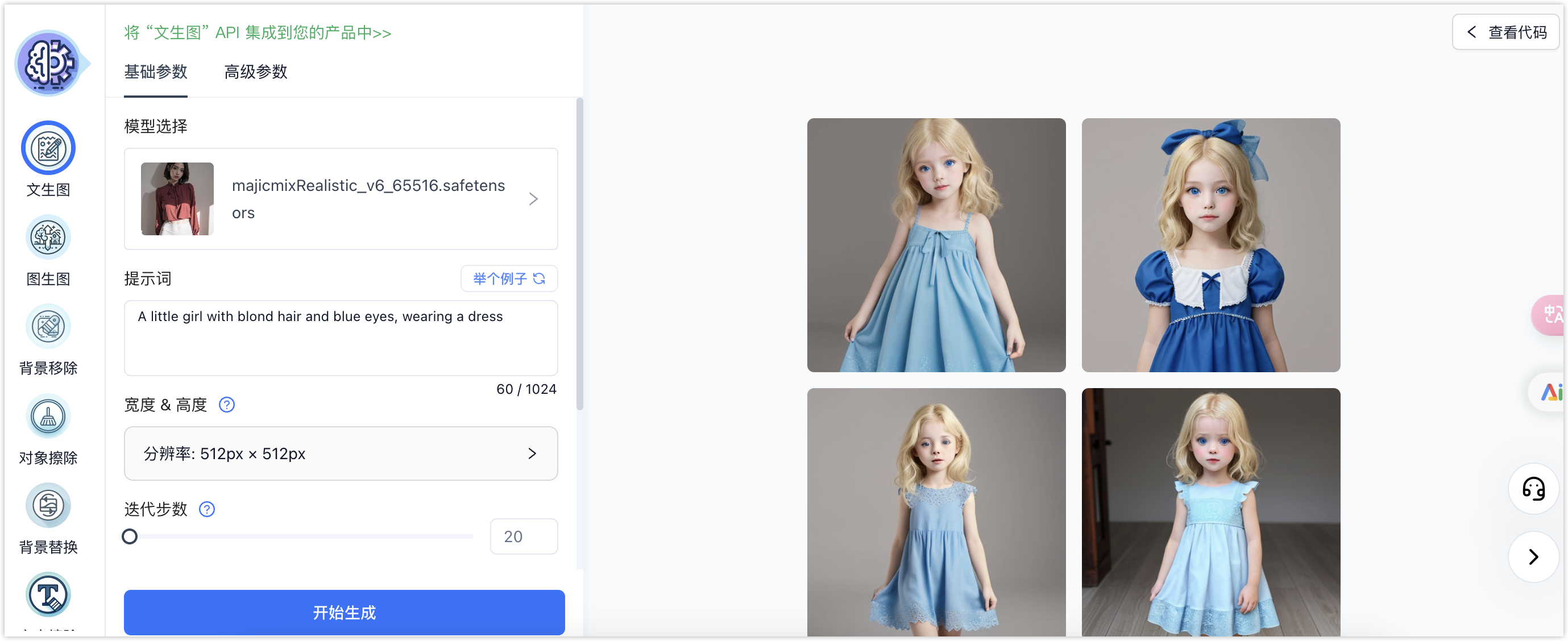
3. 按照界面提示设置相关参数,单击「开始生成」,即可体验模型能力。
以**文生图**为例:
### 图像视频模型
1. 进入[大模型 Playground 页面](https://ppio.com/model-api/playground#remove-background)。
2. 在左侧选择模型。
3. 按照界面提示设置相关参数,单击「开始生成」,即可体验模型能力。
以**文生图**为例:
 ## 调用模型 API
### 在线调用
您可以通过[模型服务 API 手册](/models/reference-authentication)中的 API 接口文档查看代码示例,单击「Try it」可以进行在线调用。
### 本地调用
选择您熟悉的语言或工具,配置好本地环境后,编写代码调用 API。
建议把API Key配置到环境变量,避免在代码里显式使用API Key,降低泄漏风险。
## 调用模型 API
### 在线调用
您可以通过[模型服务 API 手册](/models/reference-authentication)中的 API 接口文档查看代码示例,单击「Try it」可以进行在线调用。
### 本地调用
选择您熟悉的语言或工具,配置好本地环境后,编写代码调用 API。
建议把API Key配置到环境变量,避免在代码里显式使用API Key,降低泄漏风险。