> ## Documentation Index
> Fetch the complete documentation index at: https://ppio.com/docs/llms.txt
> Use this file to discover all available pages before exploring further.
# Qwen-Image 文生图
Qwen-Image — 一个20B MMDiT模型,用于下一代文本到图像生成。特别擅长创建带有本地文本的惊艳图形海报。
这是一个**异步**API,只会返回异步任务的 task\_id。您应该使用该 task\_id 请求 [查询任务结果 API](/models/reference-get-async-task-result) 来检索生成结果。
## 请求头
枚举值: `application/json`
Bearer 身份验证格式,例如:Bearer \{\{API 密钥}}。
## 请求体
图像生成的文本提示。
生成媒体的像素大小(宽\*高)。默认值为 `1024*1024`。长和宽的像素范围:256 \~ 1536。
为生成的图像添加水印。
* `false`:不添加水印。
* `true`:在图像添加文字的水印,标识由人工智能生成合成。
## 响应参数
异步任务的 task\_id。您应该使用该 task\_id 请求 [查询任务结果 API](/models/reference-get-async-task-result) 以获取生成结果
## 示例
以下是如何使用 Qwen-Image 文生图 API 的示例。
1. 通过向 Qwen-Image 文生图 API 发送 POST 请求生成 task\_id。
`请求:`
```bash theme={null}
curl --location 'https://api.ppio.com/v3/async/qwen-image-txt2img' \
--header 'Authorization: Bearer {{API Key}}' \
--header 'Content-Type: application/json' \
--data '{
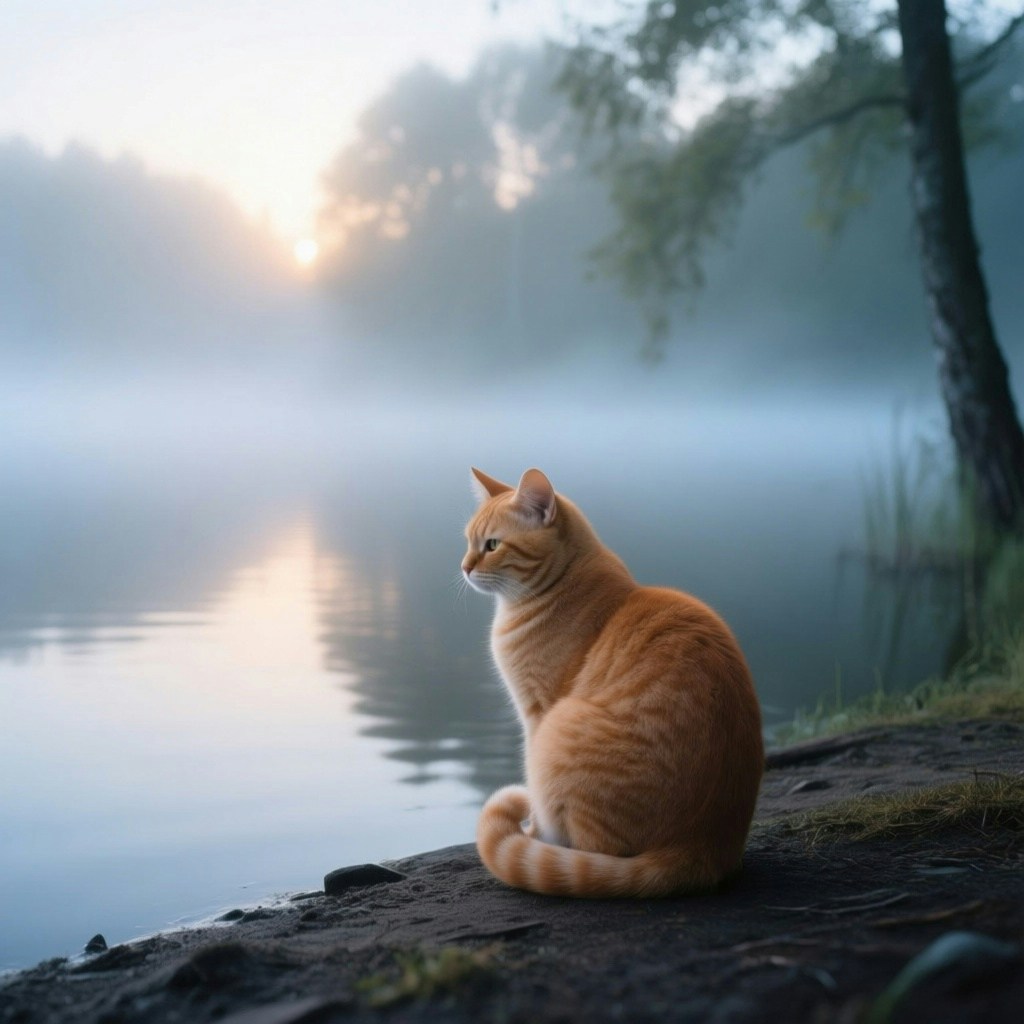
"prompt": "一只安静的橘色短毛猫蜷坐在黎明时分薄雾缭绕的湖边。它卷着尾巴,静静地望着水面。柔和的晨光透过树影洒下,冷色调,宁静氛围,轻雾环绕,50mm摄影风格。",
"size": "1024*1024"
}'
```
`响应:`
```js theme={null}
{
"task_id": "{返回的任务 ID}"
}
```
2. 使用 `task_id` 获取输出图片。
2xx 范围内的 HTTP 状态码表示请求已被成功接受,而 5xx 范围内的状态码表示内部服务器错误。
您可以在响应的 `images` 中获取图片 URL。
`请求:`
```bash theme={null}
curl --location --request GET 'https://api.ppio.com/v3/async/task-result?task_id={返回的任务 ID}' \
--header 'Authorization: Bearer {{API Key}}'
```
`响应:`
```js theme={null}
{
"extra": {
"has_nsfw_contents": []
},
"task": {
"task_id": "679c6531-a8d1-400c-8071-d58ccf074ae5",
"task_type": "QWEN_IMAGE_TEXT_TO_IMAGE",
"status": "TASK_STATUS_SUCCEED",
"reason": "",
"eta": 0,
"progress_percent": 0
},
"images": [
{
"image_url": "https://d2p7pge43lyniu.cloudfront.net/output/86d76970-441d-4b53-af90-4ce0ae092040-u1_2943371d-2819-4f96-8941-cbd46a8056eb.jpeg",
"image_url_ttl": "0",
"image_type": "jpeg",
"nsfw_detection_result": null
}
],
"videos": [],
"audios": []
}
```
`图片文件:`